
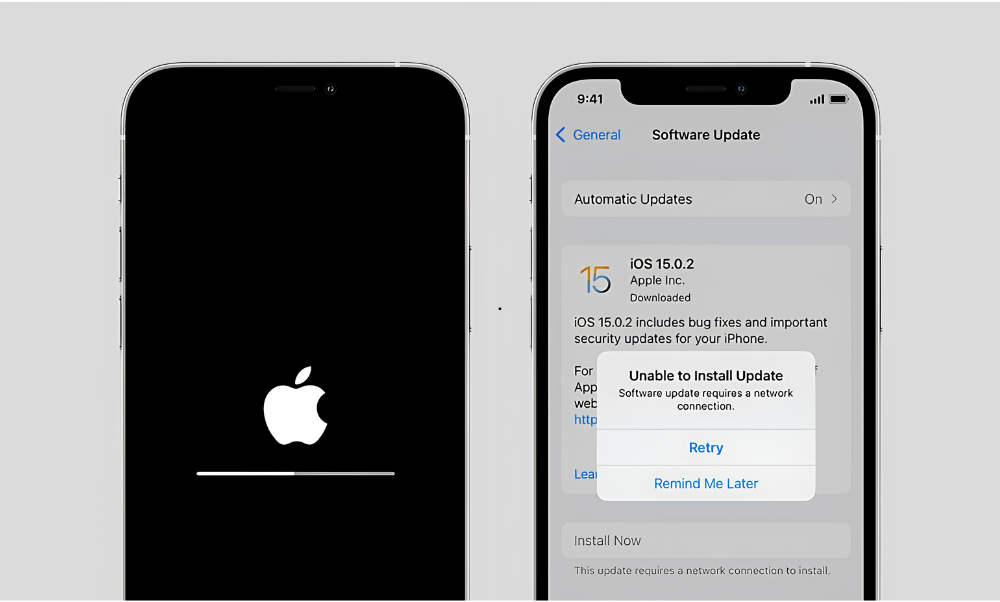
About the service
At Geek Fix, we specialize in professional software repair and operating system optimization to keep your digital devices running smoothly, securely, and efficiently. Over time, both phones and computers can suffer from corrupted files, failed software installations, or system-wide glitches that cause severe slowdowns. Furthermore, as major manufacturers phase out system updates for older models, users are frequently left vulnerable to security threats and app crashes. Our expert technicians are here to diagnose, re-flash, and optimize your systems to extend your hardware’s lifespan.
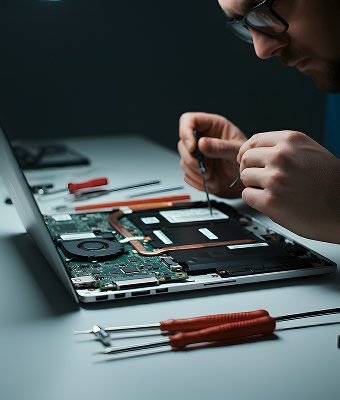
Expert Software Troubleshooting & OS Restorations
Operating systems are highly intricate networks of code. A minor glitch during a routine wireless update can throw your device into an endless loop or lock you out of essential applications. We utilize professional-grade diagnostic and firmware restoration tools to clean your device’s architecture without risking your physical components. Our common software services include:
- Operating System Re-Flashing
- Failed Update Recovery
- App Compatibility Optimization
- Malware & Bloatware Removal
Dealing with Expired Updates in 2026? We Can Help!
A major problem facing local tech users right now is that older devices are officially losing software compatibility. Following the launch of the current year’s operating systems, several legacy models have officially stopped receiving major updates:
- Capped Apple Devices: The iPhone XR, iPhone XS, and iPhone XS Max have reached the end of their lifecycle for major upgrades, remaining capped on legacy platforms while the rest of the world runs on the redesigned iOS 26 platform.
- Legacy App Dropouts: Because these older models cannot run newer software, essential day-to-day apps like banking networks, social media platforms, and modern streaming apps will slowly stop loading or crash on launch.
If your device is among those that have lost official support, don’t rush to spend thousands on a brand-new upgrade. Bring it into Geek Fix. Our technicians specialize in deep system optimization, cache configurations, and legacy app deployment to ensure your current phone remains stable, fast, and completely usable for your daily routines.
Friendly Asked Questions.
What should I do if my iPhone gets stuck on the Apple logo during an update?
This is typically a sign of a “bricked” firmware update, which occurs if your phone runs out of storage space or loses internet connection while installing software. Do not try to force multiple reboots, as this can corrupt files further. Bring it to us, and we will safely re-flash the system firmware while preserving your personal data wherever possible.
My iPhone model has stopped getting major iOS updates. Is it still safe to use?
While your phone will continue to function for basic text messages and phone calls, staying on expired software is a risk. Over time, developers update their apps to require the latest software, meaning your apps will eventually stop opening. Additionally, you miss out on critical security enhancements. We can optimize your settings to help make your device run more securely on older firmware.
How long does a complete software repair take?
Most standard software repairs, operating system reinstalls, and malware cleanings are completed in-house on the same day, generally taking between 1 to 2 hours depending on file sizes and download speeds.
Will a software repair wipe all the data on my device?
In many instances, we can perform deep system cache flushes and firmware updates without altering your personal data. However, if your system files are completely corrupted and require a factory reset, data erasure may be necessary. We always run diagnostics first and discuss your data recovery options before taking any drastic actions.